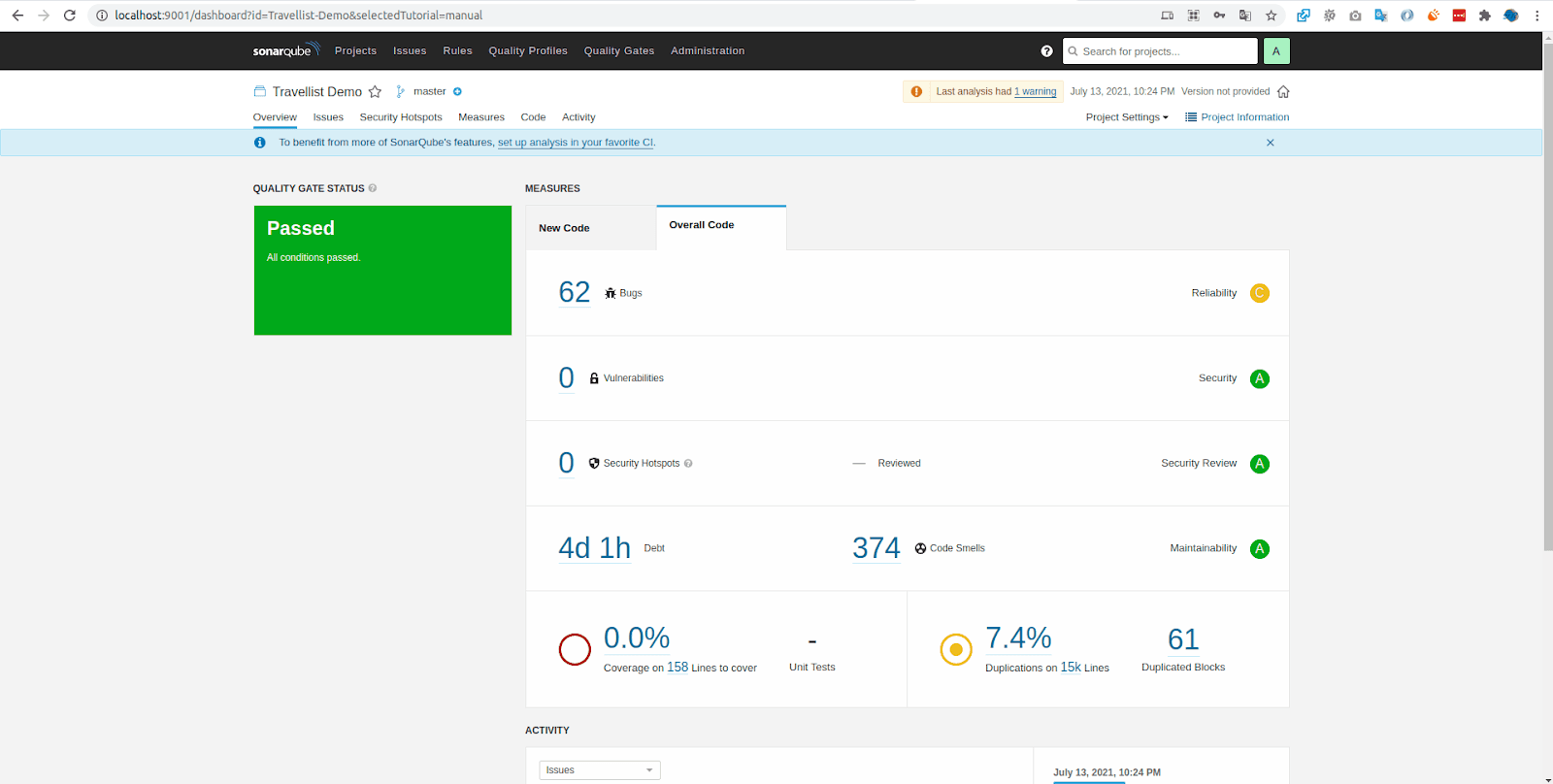
For developers and QA engineers, SonarQube should be a familiar tool, a comprehensive service for automated code review that detects bugs, vulnerabilities, and code quality issues. It has become an essential part of modern development workflows, helping teams maintain clean, secure, and maintainable codebases.
SonarQube has been released on Docker Hub, which means we can easily leverage its capabilities through Docker containers without complex setup procedures. We no longer need to manually install web servers, databases, or Java SDKs on our local machines. Everything is conveniently bundled into a single SonarQube Docker image, making deployment straightforward and consistent across different environments.
In this guide, we'll walk through the complete process of installing and running SonarQube locally using Docker, and then integrating it with your local projects for automated code analysis.
A. Running SonarQube from Docker
1. Pull the Required Images
As with any Docker workflow, we first need to pull the necessary images from Docker Hub. We'll need both the SonarQube server image and the Sonar Scanner CLI image for analyzing our code.
Pull the SonarQube server image:
docker pull sonarqube:latest
Pull the Sonar Scanner CLI image:
docker pull sonarsource/sonar-scanner-cli:latest
These commands will download the latest versions of both images to your local Docker registry. Depending on your internet connection, this may take a few minutes as the images are relatively large.
2. Run the SonarQube Container
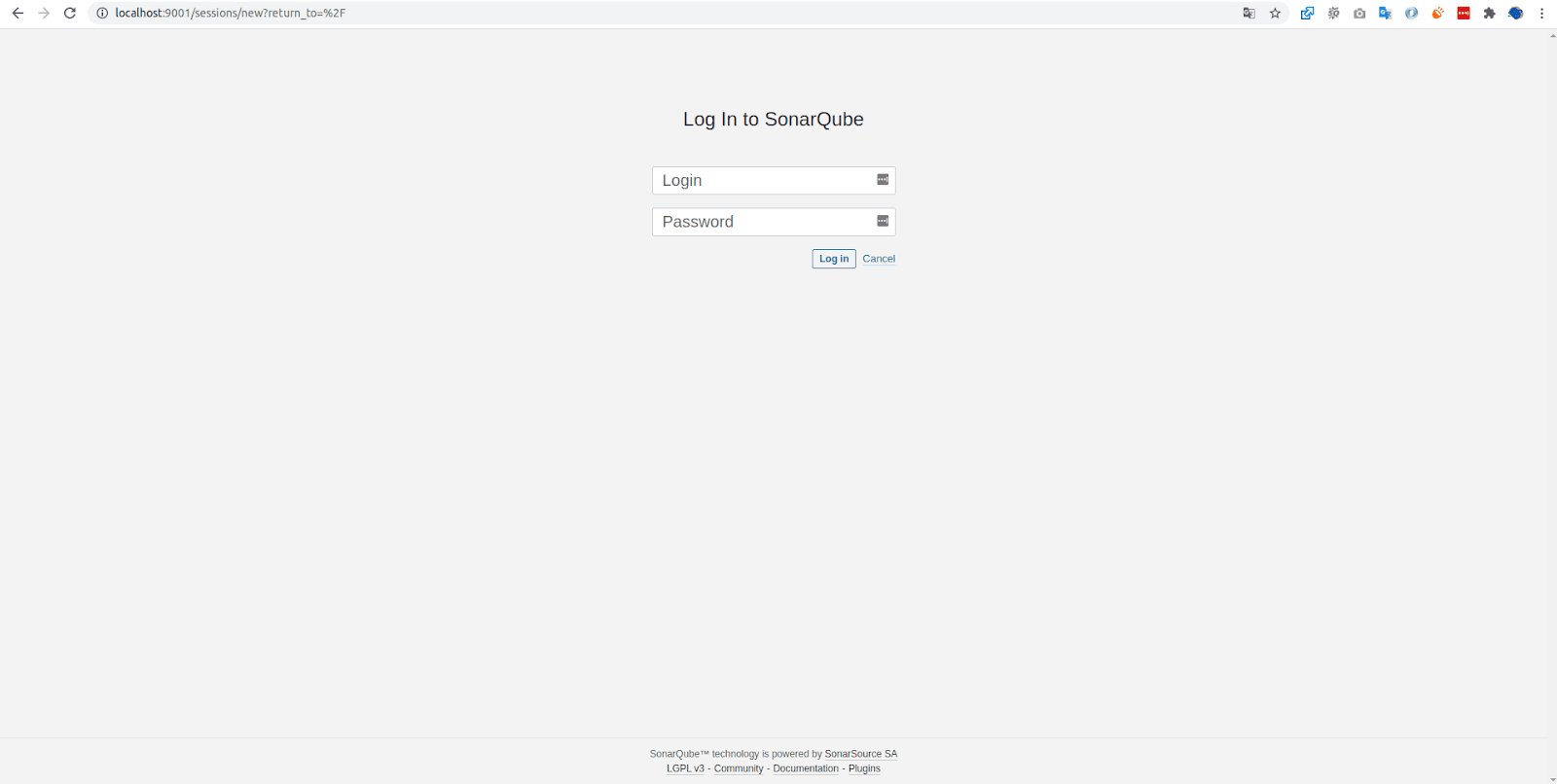
Now we'll create and run a container using the SonarQube image we just pulled. In this example, I'm exposing the service on port 9001 (the default port is 9000, but you can customize this to avoid conflicts with other services):
docker run --name sonarqube -p 9001:9000 sonarqube
This command creates a container named "sonarqube" and maps port 9001 on your host machine to port 9000 inside the container. The container will start, and you'll see initialization logs in your terminal. Wait until you see messages indicating that SonarQube is fully operational before proceeding.
If you want to run the container in detached mode (in the background), add the flag: